01
Stop entering the same change twice.
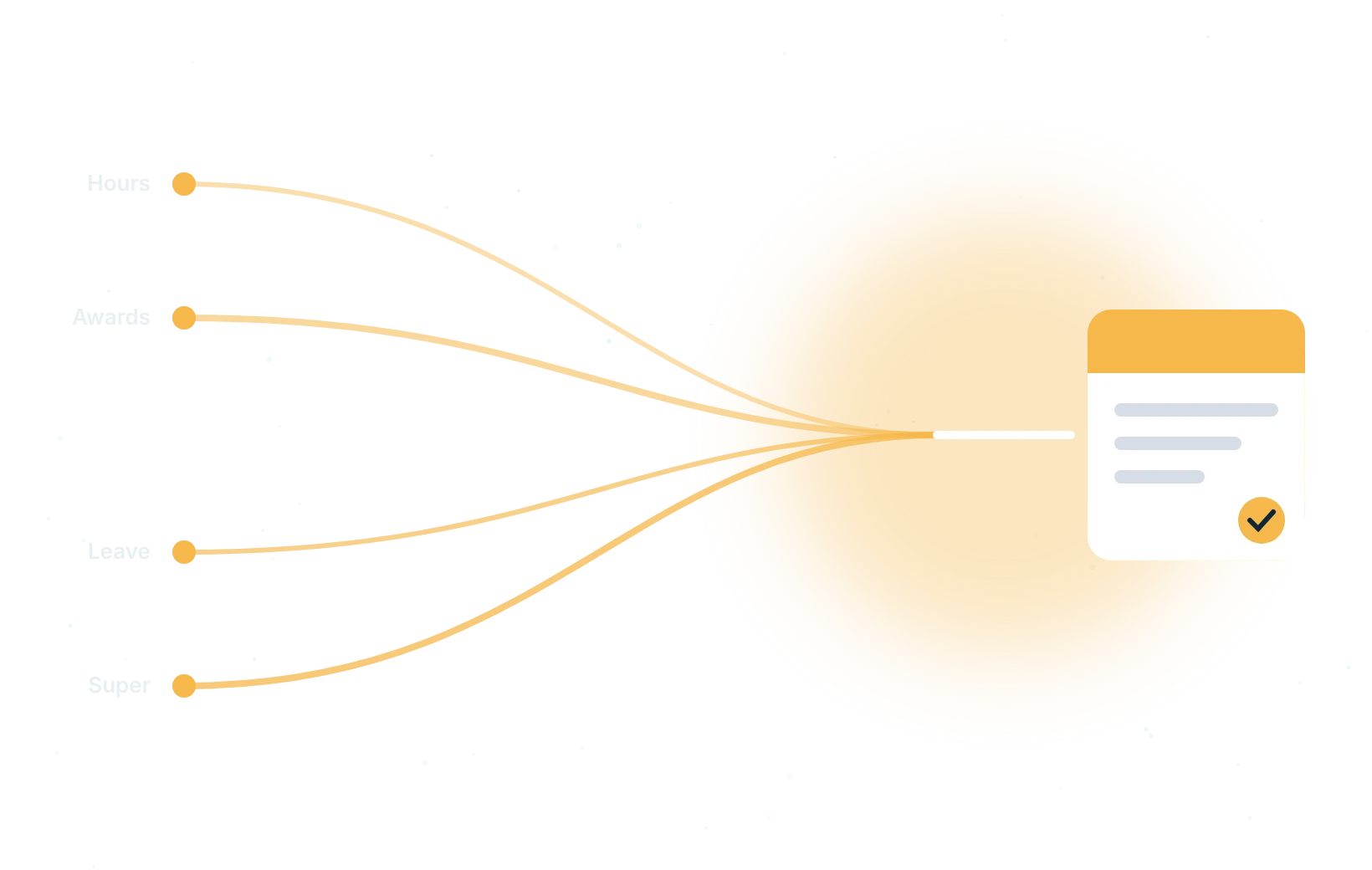
HR updates flow straight into payroll.

Workforce Management / Payroll
Stop chasing changes, re-keying information and fixing avoidable mistakes. Employee records, approved hours and award rules come together in one payroll workflow, and every result is reviewed before you approve payment.
Underpayment is now a criminal and civil exposure. Payday shouldn't rest on a spreadsheet.
The customer challenge
Employee changes arrive in one place. Approved hours sit in another. Payroll pulls it all together, then finance checks it again. Connect that work and your team gets time back to fix issues before the deadline, not after it.
01
HR updates flow straight into payroll.
02
Unusual results show up before you approve the run.
03
Finance gets mapped payroll costs and the reports to reconcile them.
Inside the workspace
Employee inputs, approval screens and export records give each team a clearer starting point for review.
What your team can do
Bring employee changes, approved hours, pay rules and finance reporting into one cycle, so your team spends less time assembling inputs and more time reviewing the result.
Employee records and approved time come together in one payroll workflow.
Your award and agreement rules apply to every approved hour.
Unusual results show up before you approve the run.
Employees, pay schedules and labour costs stay organised across every site and employing entity.
Mapped journals and payroll reports carry the detail finance needs to reconcile the run.
STP Phase 2 reporting and SuperStream are part of the payroll workflow.
Employees can access payslips on their phone.
Bring gross-to-net results, leave accruals and year-to-date figures into review.
A pay cycle with context
Start with approved hours, leave and employee changes in the same pay-cycle workflow, with the employee and site context beside them.
Apply award, agreement and pay-category rules, then focus review on warnings and results that need a closer look.
Prepare the approved run for payment and reporting steps, then give finance mapped journals and payroll reports to reconcile.
Everyday example: a team member stays late to finish a handover. Their approved hours move into payroll with the employee and site context, so the reviewer can check the changed time and resulting pay category before approving the run.
Make exceptions visible
INPUTS
Employee updates and approved hours come together in one payroll workflow, giving the reviewer a clearer starting point for the run.
EXCEPTIONS
Warnings and unusual results help focus attention before approval, while there is still time to resolve a problem.
REVIEW
Payroll teams investigate the inputs and rules behind a result, then decide whether it is ready to move forward.
FINANCE
Mapped journals and payroll reports give finance a more useful view of the run by site and cost centre.
Metis, alongside payroll
Your payroll team checks the explanation against source records and configured conditions, then makes the approval decision.
Built for varied workforces
01
Bring casual, part-time and salaried employee arrangements into a shared pay cycle, with their pay conditions, schedules and leave treatment in view.
02
Award and agreement rules apply to approved hours, keeping employee and site context close to the resulting pay categories.
03
Map payroll costs to locations and cost centres so journals and reports carry the detail finance needs to reconcile the run.
04
Review gross-to-net results, leave accruals and year-to-date figures alongside the current cycle.
Finance handoff
Payroll detail can be allocated to the locations and cost centres your finance team uses. Agree the journal mapping and review process up front so each run is easier to reconcile and questions have a clear starting point.
Check totals and exceptions against approved inputs.
Review mapped journals and each export's status.
Reconcile payroll reports with your finance records.
Employee access
Employees can access payslips on a phone, helping reduce routine requests to payroll and making the pay outcome easier to locate. Agree how questions or corrections are routed back to your payroll team.
Less routine admin
Self-service payslips give employees a direct route to the documents they need. Your payroll team can spend less time locating payslips and more time answering questions that need their expertise.
Security and access
EmployeeConnect's information security is certified to ISO 27001. EmployeeConnect data is hosted in Australia, and role-based access helps keep payroll information in the right hands. For the payroll engine or other partner components, review their separate security scope.
Read EmployeeConnect security informationImplementation
Start with your pay calendar, employee records, opening balances, year-to-date figures and finance requirements. The implementation scope is agreed with your team, including reconciliation checks and the responsibilities around transition.
A clear migration plan identifies what is being brought across, how balances will be reconciled and who signs off. Your team can see the preparation needed before cutover, with open questions addressed as part of the agreed implementation scope.
Employee data, pay categories and the information needed for the agreed scope.
Opening and year-to-date figures prepared for reconciliation.
Journal and cost-centre mappings reviewed with finance.
Representative pay scenarios, open questions and approval ownership.
Payroll FAQ
Start a conversation
Bring your hardest pay run. We'll walk through the inputs, award rules, review steps and finance handoff with you.
Book a payroll walkthroughThe form will load when you reach this section.
The platform itself has everything in a HRIS system that we were looking for and more!
– Georgia M., People & Experience Coordinator