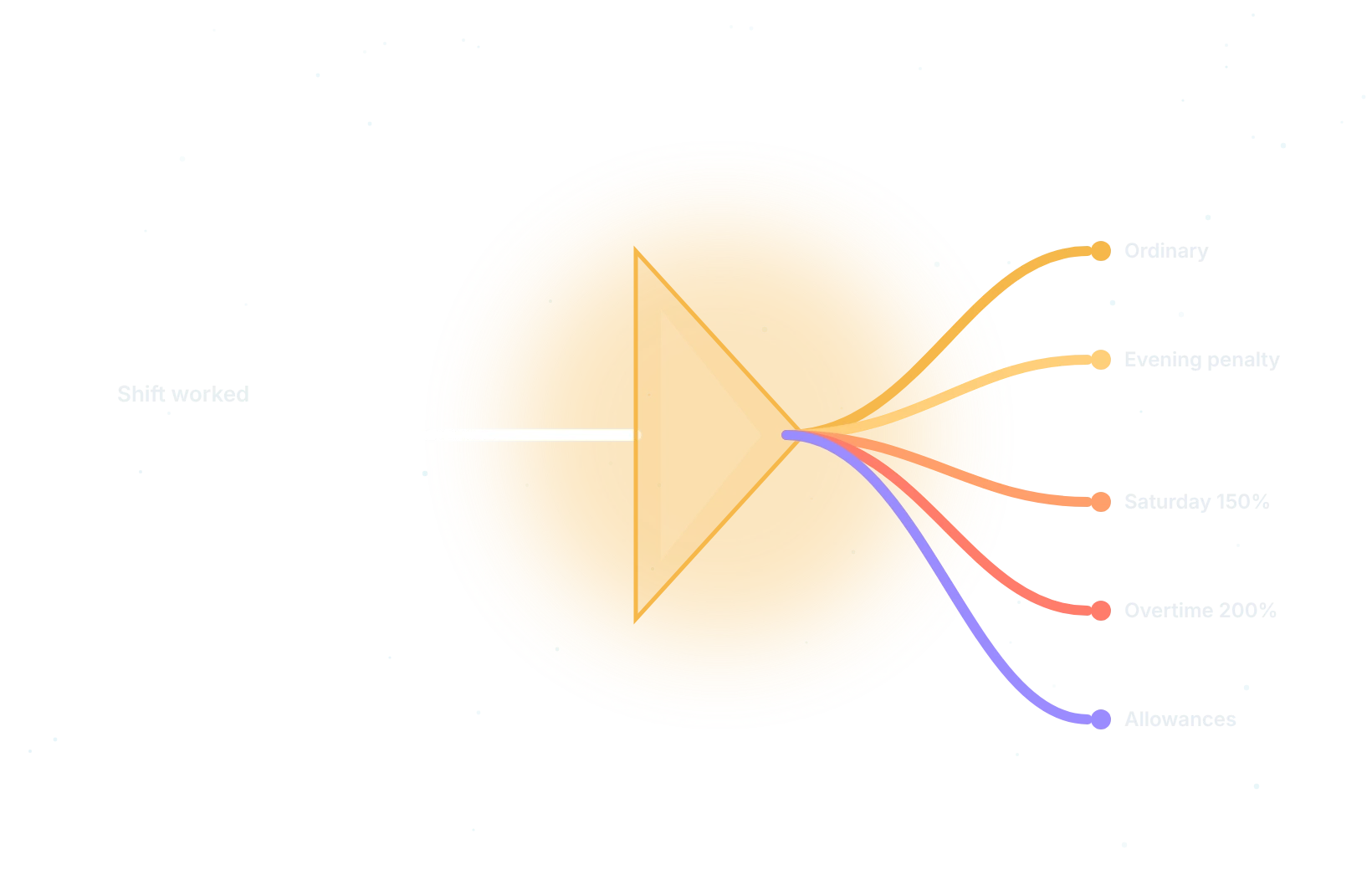
01
Stop checking by hand.
Rules apply to approved time automatically.

Workforce Management / Award Interpretation
Your award and agreement rules apply to every approved hour, the same way every pay run. Spreadsheet checking stops, and every rule change is tested before it touches a live pay run.
Intentional underpayment is now a criminal offence, and civil penalties apply even to honest mistakes. The rate has to be right.
The customer challenge
Penalties, allowances, overtime and different working arrangements mean checking the same things every pay run. When the logic lives in spreadsheets and one person's head, it's applied differently, and it walks out the door when they do. Turn your conditions into rules that run the same way every time.
01
Rules apply to approved time automatically.
02
The same rules for every employee group they cover.
03
Test the rules against results you've already checked.
Inside the workspace
The workspace brings award options and scheduled shifts into the discussion about your workforce's conditions.
What your team can do
Apply your configured pay conditions consistently, test the shifts that matter, and carry approved hours into payroll without rebuilding the same calculation by hand.
Start from pre-built modern awards, then add the conditions your workforce and agreements need.
Set up the conditions that apply to your employee groups and work locations.
Apply penalties, overtime, higher duties, allowances, RDOs and TOIL under configured rules.
Compare expected and calculated results before a rule change reaches a live pay run.
Approved hours become pay categories under your rules and flow into payroll review.
Rules that fit the work
01
Bring award and agreement rules into a shared calculation workflow, then map them to the employee groups and work they cover.
02
Represent employee groups, classifications, locations and work patterns so the right conditions apply to the right approved hours.
03
Apply the configured treatment consistently each cycle instead of rebuilding the same spreadsheet logic by hand.
04
See the resulting pay categories and amounts in context, ready for review and the next step in the pay cycle.
Everyday example: A team member works beyond the planned finish and performs a different role for part of the shift. Use that exception to test the inputs, conditions and approval boundaries together. The reviewer can follow the changed input through its configured condition and into the pay categories for approval.
Consistent treatment
01
Apply configured conditions for the hours, day, location and work type that trigger each pay category.
02
Assess hours over the configured period, including boundaries that do not line up neatly with a pay cycle.
03
Represent a step-up in duties for part of a shift, so the relevant work can flow into the calculation.
04
Link configured pay categories to the applicable above-award base rates and loadings.
05
Apply configured accrual rules to the work patterns and employee arrangements they cover.
06
Keep group and location differences in the rule setup rather than relying on a reviewer to remember them each cycle.
Metis, alongside interpretation
Your payroll team checks the explanation against the work and makes the approval decision.
Safer changes
Use ordinary hours plus the penalty, allowance or overtime condition you want to understand.
See the expected and calculated outcomes together, including the categories and amounts that changed.
Review what the rule change affects, then rerun the example to see the updated treatment.
Bring the test results into your team's review and approval of the rule change.
Clearer review
01
See which employee groups and work patterns are affected by the change.
02
Run expected shifts through the updated rule and make differences visible before use.
03
Carry the test result and approval into the change review so the team can explain what was updated.
04
If earlier periods need attention, review them through the separately agreed correction process.
Connected payroll
Resolve missing or disputed hours, breaks, location and work-type information.
Calculate the categories and amounts based on the approved inputs and employee mapping.
Compare the result with the expected treatment and review the source configuration where needed.
Confirm hours and amounts in the payroll run. Your authorised team remains responsible for approval.
Implementation
Connect the applicable instruments and classifications to the people, sites and work patterns they cover.
Use ordinary and exception examples to see how the configured rules calculate.
Award Interpretation FAQ
Start a conversation
Bring an award or agreement scenario and the answer your team expects. We'll run it through the rules with you.
Book an award interpretation walkthroughThe form will load when you reach this section.
The platform itself has everything in a HRIS system that we were looking for and more!
– Georgia M., People & Experience Coordinator